
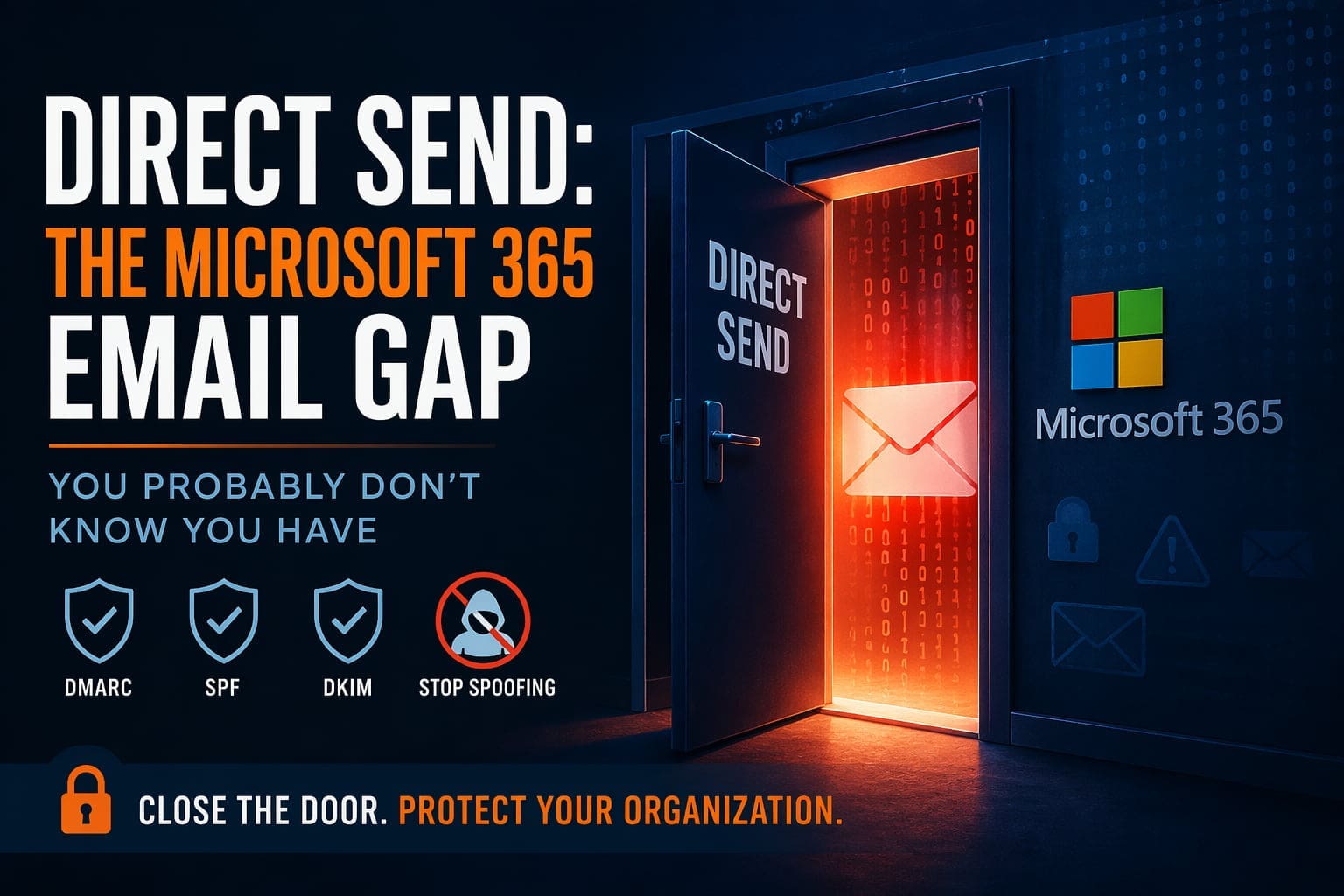
A quiet default in Microsoft 365 lets attackers deliver perfectly formatted phishing emails that appear to come from inside your organization, bypassing DMARC, SPF, and every anti spoof control you’ve put in place. The good news is Microsoft finally gave us a toggle to shut it off. Here’s what you need to know.
A scenario we’ve seen too often lately
An executive at a mid sized company receives an email from her own HR department. The sender’s address is correct. The formatting matches the company’s usual emails. The subject line references a payroll matter that only insiders would know about. She clicks the link and enters her credentials into what looks like a Microsoft sign in page.
Nothing about this attack required the attacker to compromise an account, break into a network, or defeat multi factor authentication. All they needed was to know the company’s email domain and the name of an HR staffer, and to exploit a Microsoft 365 setting that most IT teams have never heard of.
What Direct Send is
Think of your email domain as a building. Every inbound message is a visitor presenting an ID badge at the front door. SPF, DKIM, and DMARC, the standard email authentication protocols, are the security guard checking those badges. When an attacker tries to forge an email claiming to come from your CEO, the badge check fails and the message gets bounced if DMARC is set correctly.
Direct Send is a side door on the same building. It was originally designed for office equipment such as copiers that scan documents to email, backup systems that send nightly reports, and alarm panels that dispatch alerts. These devices are not sophisticated mail clients. They do not handle authentication. They just drop messages at the building and trust the system to deliver them.
The problem is that anyone on the internet can walk up to that side door. They can drop a message claiming to be from your CEO, your CFO, your finance team, or anyone else with a mailbox in your domain. The badge check does not happen because Direct Send treats the submission as quasi internal. The message lands in your employees’ inboxes, looking indistinguishable from a legitimate internal email.
Why it’s suddenly a bigger problem
Direct Send has existed for as long as Microsoft 365 has. What changed is that attackers started paying attention.
Phishing as a service kits now include Direct Send abuse as a standard capability. For the attacker, it is an enormous upgrade over traditional phishing:
- They do not need to register a lookalike domain, which is expensive, slow, and detectable
- They do not need to bypass DMARC, which is increasingly enforced
- The victim has no warning signs, no external sender banner, no reply to mismatch, no typos in the domain
- The message can carry whatever lure the attacker wants, including HR documents, invoice approvals, CEO requests, or password resets
In 2025, Microsoft acknowledged the abuse publicly and introduced a tenant level setting to restrict Direct Send. Security teams now have a way to close the door. Most of them have not yet, because most of them do not know the door is there.
What you should do
1. Check whether your tenant currently allows Direct Send. In most Microsoft 365 environments set up before 2025, the answer is yes. The setting is managed at the Exchange Online or Security Portal level and is straightforward to audit.
2. Inventory the legitimate systems that rely on Direct Send. Before you turn it off, you need to know what might break. The common culprits include copiers and multi function printers using scan to email, backup software sending success or failure notifications, monitoring and alerting platforms, and line of business applications that email reports or tickets. Every one of these needs to move to authenticated submission, which is an easy but deliberate change.
3. Disable Direct Send. Once the legitimate senders are moved, flip the toggle. From that point forward, external parties cannot submit spoofed mail claiming to come from your domain.
4. Verify your other spoof resistance controls. DMARC at p=reject, properly configured SPF, and DKIM signing on all sending services are the rest of the spoof defense stack. If any of those are missing or stuck at monitor only, you still have gaps even after Direct Send is off.
The broader point
Direct Send is one of those security issues that does not get attention until it does. It is not exotic, it is not a zero day, and it is not the result of anyone making a mistake. It is a legacy default that attackers are now exploiting systematically. Closing it is straightforward, but it does require the inventory and migrate work, which is where most organizations stall.
If you do not have an IT team actively on this, or if you are not sure whether your tenant is vulnerable, this is a good time to get someone looking at it. The attacks are not slowing down.
We can help
At Illini Tech Services we are rolling this out as part of a broader email hardening push across our managed Microsoft 365 customers. If your organization is not currently under our managed service program and you would like an assessment of where you stand, including Direct Send, DMARC, SPF, DKIM, MFA posture, and conditional access, reach out and we will walk through it with you. No obligation and no hard sell.
Contact us: [email protected] · (217) 854-6260 · illinitechs.com