
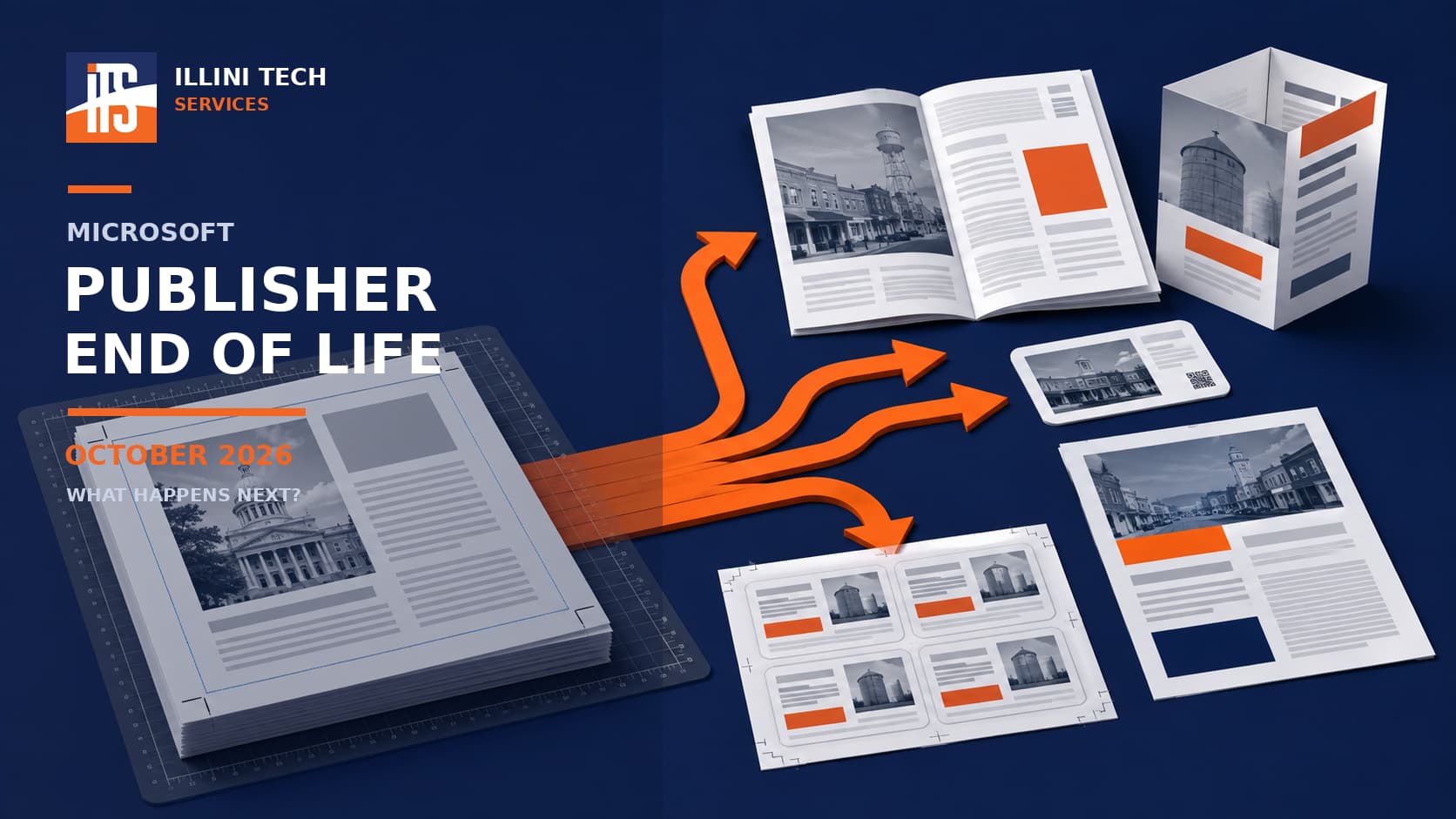
Microsoft Publisher has helped businesses, churches, schools, nonprofits, and home users create newsletters, brochures, labels, signs, and event programs for decades. That era is about to end.
The Microsoft Publisher end of life arrives in October 2026. Users should begin converting important files and testing replacement software now, especially if Publisher supports a recurring business or organizational process.
Which Publisher Versions Are Affected?
The exact impact depends on which edition you use:
- Publisher for Microsoft 365: Access ends October 1, 2026. Subscribers will no longer be able to use Publisher to open or edit
.pubfiles. - Publisher 2021: Support ends October 13, 2026. A permanently licensed copy may continue running, but it will no longer receive security updates, fixes, or Microsoft support.
- Publisher 2019 and 2016: Support for these editions already ended on October 14, 2025.
- Publisher 2013 and older: These releases have been unsupported for several years.
- Publisher 2024: No such edition exists. Microsoft excluded Publisher from Office 2024 and Office LTSC 2024 because of the planned retirement.
Microsoft provides the full retirement timeline in its official Publisher end-of-support announcement.
Protect Your Publisher Files First
Before choosing a replacement, search computers, external drives, OneDrive, SharePoint, and network folders for files ending in .pub. Identify publications that must remain editable and those that only need to be viewed or printed.
Export completed publications to PDF while Publisher is still available. PDF is the safest choice for preserving a document’s appearance, but it is not ideal for future editing. Retain the original .pub file as a backup.
For publications that require ongoing updates, begin rebuilding templates in the replacement application. Conversion results can vary, particularly with unusual fonts, linked text boxes, images, margins, and folded layouts. Compare every converted document with the original before using it.
Microsoft Word and PowerPoint
Microsoft recommends Word or PowerPoint for many common Publisher projects. Word works well for labels, envelopes, letterhead, newsletters, forms, and text-focused programs. PowerPoint offers more flexible object placement for flyers, posters, banners, and signs.
These applications are already familiar to many Microsoft 365 users, which may reduce training and licensing costs. However, they do not provide a perfect conversion path for .pub files or all the precision of dedicated desktop-publishing software.
Free Microsoft Publisher Alternatives
Scribus is a free, open-source desktop-publishing application for Windows, macOS, and Linux. It includes advanced capabilities such as linked text frames, master pages, color management, bleeds, printing marks, and print-ready PDF output. It is a strong option for newsletters, books, brochures, and other detailed layouts.
Its interface and workflow can take time to learn. Community discussions frequently describe Scribus as capable but less approachable than Publisher. Organizations should test it with real documents before adopting it widely.
LibreOffice Draw is another free, open-source option. It is suitable for basic flyers, diagrams, signs, and page layouts. LibreOffice includes an import filter for certain older Publisher formats, including Publisher 98–2010 files, but complex formatting may not transfer perfectly. LibreOffice’s current conversion-filter documentation provides additional details.
Affinity, Canva, and Adobe InDesign
Affinity is a professional design application combining page layout, vector design, and photo-editing tools. Older recommendations may refer to the paid, standalone “Affinity Publisher 2.” That information is now outdated: Canva introduced an all-new Affinity application in late 2025 and made its core professional tools free. It offers considerably more design control than Publisher, but its broader toolset creates a steeper learning curve. Canva’s Affinity announcement
Canva is a convenient web-based choice for marketing flyers, social graphics, simple brochures, and other template-driven projects. Its drag-and-drop interface and collaboration tools make it approachable for occasional users. Canva offers a free plan, while premium templates, brand management, and additional business features require paid plans. It may be less comfortable for publications that demand precise print settings or complicated multi-page text flows.
Adobe InDesign remains a leading professional page-layout application. It is designed for books, catalogs, magazines, commercial printing, and complex digital publications. Its powerful features, subscription cost, and training requirements generally make it more appropriate for professional designers than occasional Publisher users.
Choose a Replacement Based on Real Work
Do not select software from a feature list alone. Test two or three typical publications, confirm printer compatibility, evaluate staff training, and verify how files will be stored and backed up.
Illini Tech Services can help central Illinois organizations inventory Publisher files, preserve important documents, and evaluate practical replacement tools. Call 217-854-6260 or email [email protected] for assistance.