
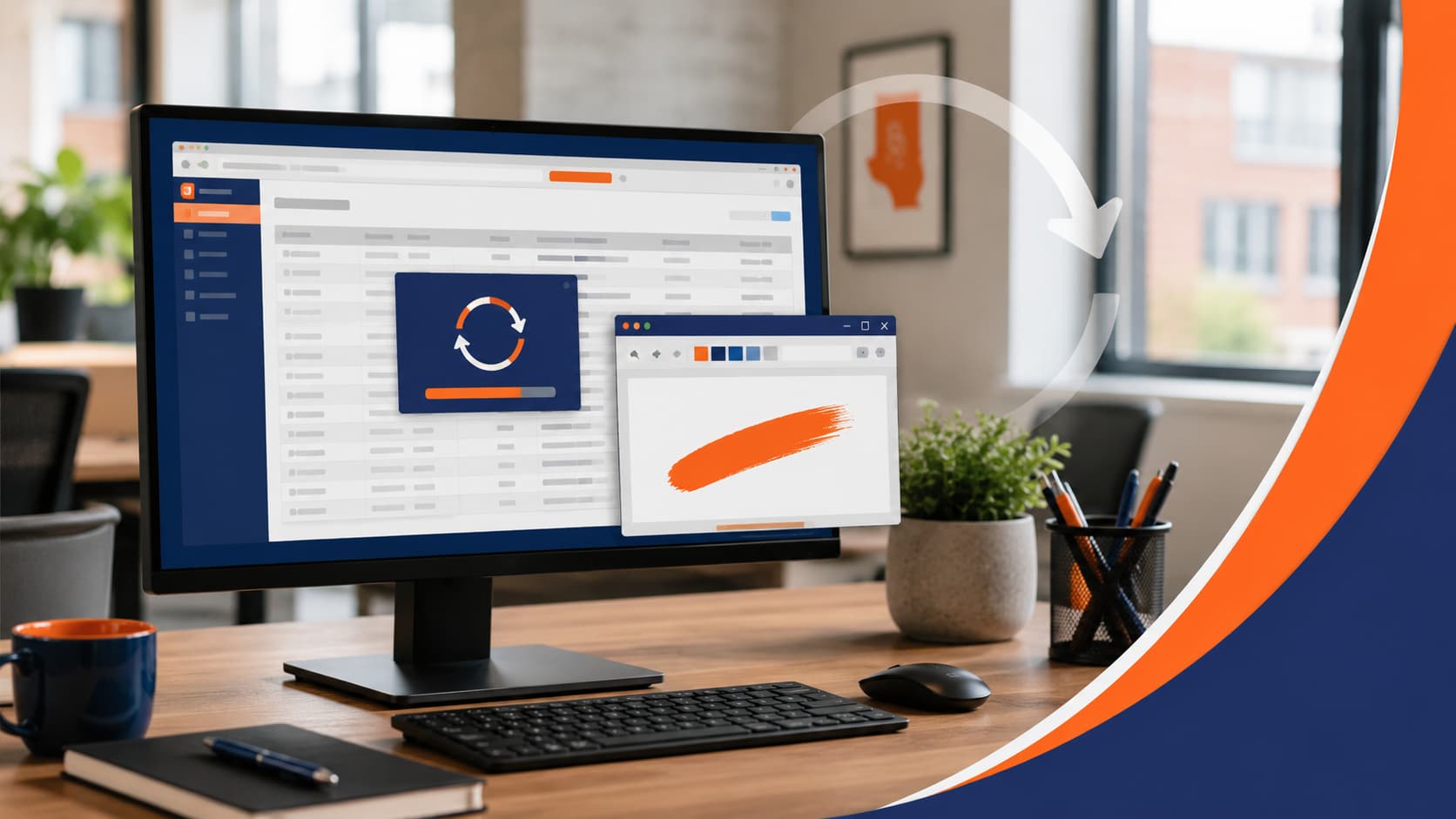
QuickBooks Desktop is business-critical software for many offices, so it is especially frustrating when it refuses to open after an update. One odd issue some users have run into is a repeating message that says QuickBooks requires a reboot to complete installation.
The problem is that rebooting does not always fix it.
You restart the computer, open QuickBooks again, and get the same message. You restart again, same result. For some users, the update appears to get stuck in a loop where QuickBooks keeps thinking Windows still needs to finish something.
Here is the strange part: in some cases, opening Microsoft Paint, drawing something, starting a restart, and then canceling the restart when Windows asks about the unsaved Paint file can clear the stuck reboot flag.
It sounds silly. But for this specific QuickBooks Desktop reboot loop, the “Paint fix” has helped real users get back into the program.
The QuickBooks Reboot Loop Problem
The issue usually appears after a QuickBooks Desktop or QuickBooks Enterprise update. A user opens the program and sees a message similar to:
“QuickBooks requires that you reboot your computer to complete the installation.”
Normally, that message makes sense. Many software updates need Windows to restart so files, services, or settings can finish updating.
But in this bug, the computer may have already restarted. QuickBooks still believes a reboot is pending, even after multiple restarts.
This can be especially confusing when:
- Other users can open QuickBooks on the same computer
- The affected user can open QuickBooks from a different computer
- Reinstalling QuickBooks does not permanently solve the problem
- Windows updates and driver updates do not clear it
- The issue returns after the next QuickBooks update
That combination makes the problem feel random, but it often points to a stuck Windows or user-level update state rather than a bad company file.
The Paint Fix for QuickBooks Requiring a Reboot
If you are dealing with the QuickBooks “requires reboot” loop, this workaround may be worth trying.
First, log in as an administrator-level Windows user, especially if the affected QuickBooks user normally runs as a standard user and enters admin credentials for updates.
Then:
- Open Microsoft Paint.
- Draw anything on the blank canvas.
- Restart the computer from the Start menu.
- When Windows prompts you about closing Paint with unsaved work, choose Cancel.
- After the restart is canceled, try opening QuickBooks again.
The goal is not to use Paint to repair QuickBooks. Paint is simply a way to create an unsaved application that interrupts the Windows restart process. Canceling that restart may clear the stuck reboot state that QuickBooks is detecting.
Before Windows 11 24H2, some users used WordPad for a similar trick. Since Microsoft removed WordPad from newer Windows versions, Paint has become the easier option.
Why This Weird QuickBooks Fix Can Work
This workaround sounds ridiculous until you understand what is probably happening behind the scenes.
QuickBooks may be checking whether Windows still has a pending restart or incomplete installation state. If that state gets stuck, QuickBooks keeps seeing the same signal and refuses to continue.
By starting a restart and then canceling it at the unsaved Paint prompt, Windows may clear or refresh part of that pending shutdown state. Once that happens, QuickBooks may stop seeing the reboot requirement and open normally.
In plain English: QuickBooks may not actually need another reboot. It may just need Windows to stop saying one is pending.
That is why this fix feels so odd. Paint has nothing to do with accounting software, but the interrupted restart can change the system state QuickBooks is reacting to.
When the Paint Fix Is Not Enough
The Paint workaround may help in the moment, but it does not guarantee the underlying issue is gone forever.
If QuickBooks gets stuck requiring a reboot after every update, there may be a deeper problem with the Windows profile, QuickBooks installation, update permissions, registry entries, or endpoint security settings. Repeatedly relying on a workaround can waste time and leave users frustrated during payroll, invoicing, reporting, or month-end work.
It is also important not to start deleting registry keys or reinstalling business software without a plan. QuickBooks environments can involve company files, multi-user mode, database services, mapped drives, backups, and user permissions. A rushed fix can create a bigger problem than the original error.
Need Help With QuickBooks Desktop Issues?
Some IT fixes are funny because they sound too simple to be real. The QuickBooks Paint fix is one of those. But when your business depends on QuickBooks Desktop, even a weird workaround is useful if it gets you working again.
If QuickBooks keeps saying it requires a reboot, keeps failing after updates, or is causing downtime for your team, Illini Tech Services can help. We support businesses across central Illinois with QuickBooks workstations, Windows troubleshooting, networking, backups, and everyday IT problems.
Contact Illini Tech Services at 217-854-6260 or [email protected] for help getting QuickBooks running reliably again.