
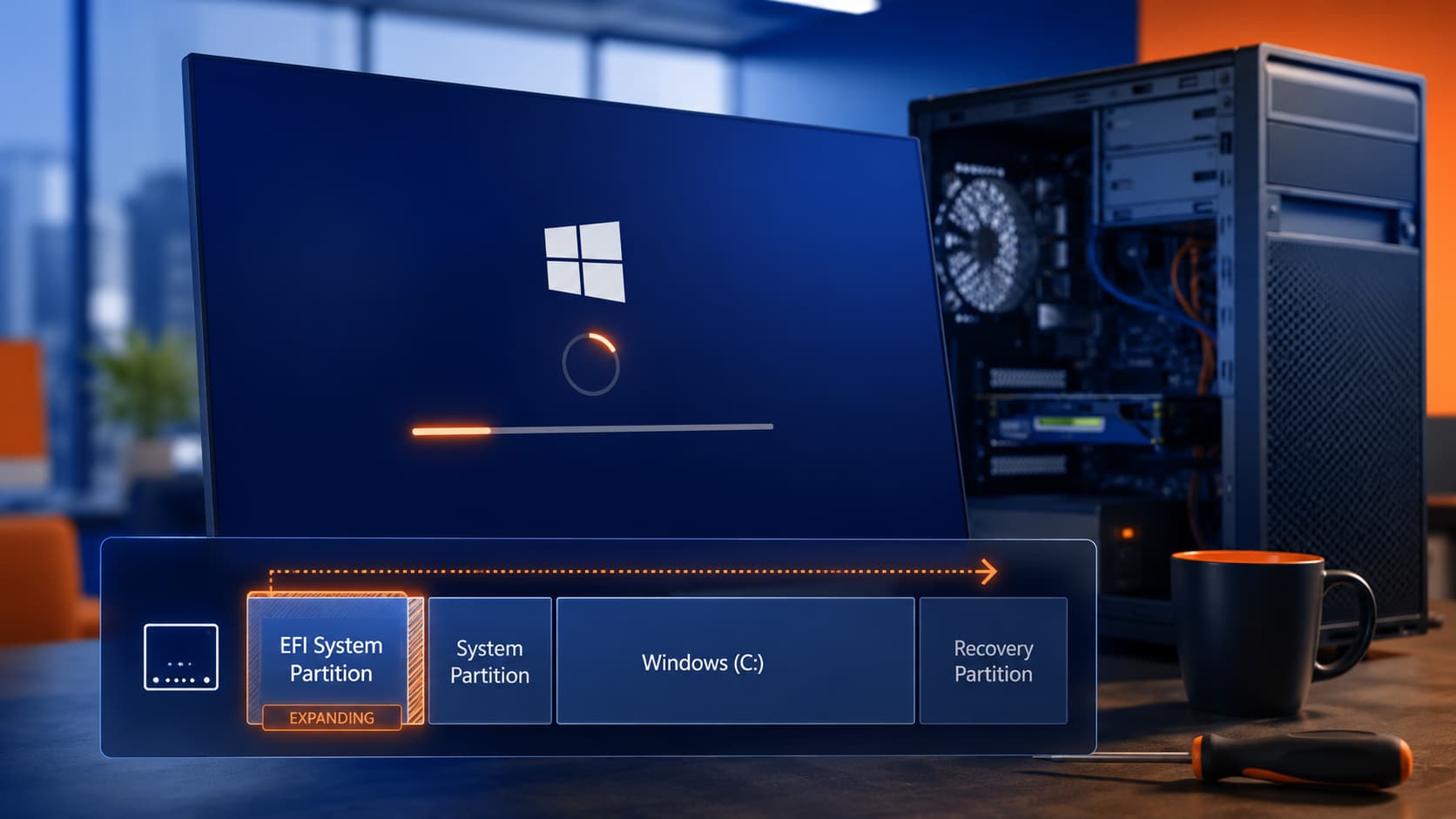
If a Windows PC keeps failing updates with 0x800f0922, rolls back after reboot, or gets stuck undoing changes, the usual advice about clearing cache or running the troubleshooter may not be enough anymore. On many older PCs, the real problem is the EFI System Partition, also called the ESP.
This has become a more common issue with the April 14, 2026 and May 12, 2026 Windows update cycle, especially on computers that were originally partitioned years ago, upgraded across multiple Windows versions, or cloned onto newer hardware. In those cases, the update is often failing because the EFI partition is simply too small for modern Windows servicing needs.
Why this is happening now
Many older PCs were set up with a very small EFI partition, often around 100 MB. That layout was more common on systems originally installed with older Windows versions or carried forward through upgrades from Windows 7, Windows 8, Windows 10, or older OEM factory images.
That small partition may work fine for everyday booting, but it can become a problem when newer cumulative updates need more room to update boot files, security components, or related recovery data. The result is often:
0x800f0922- “We couldn’t update the system reserved partition”
- Update rollback after restart
- Long “undoing changes” or stuck update screens
Microsoft’s current partition guidance for UEFI/GPT systems lists the EFI System Partition at 200 MB minimum on 512-byte sector drives and 300 MB minimum on 4K-native drives. So when an older system is still running on a 100 MB EFI partition, it may be below what newer updates expect.
Which computers are most at risk
This problem shows up most often on systems with some history behind them, not necessarily brand-new PCs. Common examples include:
- Computers upgraded from Windows 7 or Windows 8
- PCs that went through multiple major Windows 10 and Windows 11 upgrades
- Systems cloned from an old hard drive to a newer SSD
- Business PCs reimaged years ago and kept in service
- Custom-built systems with older partition layouts
In other words, if the computer has been “carried forward” for a long time, the partition layout may be old even if the hardware looks current.
Safe first steps before deeper repair
It is still smart to start with the basics:
- Restart the computer fully
- Check that the main Windows drive has free space
- Disconnect any VPN
- Temporarily disable third-party antivirus if appropriate
- Run the Windows Update troubleshooter
Those steps can help in some cases, but if the error keeps coming back, especially with 0x800f0922, it is worth looking at the EFI partition instead of repeating the same cleanup steps.
The real fix: make the EFI partition bigger
For many of these April and May 2026 update failures, the lasting fix is not deleting temporary update files. It is repartitioning the drive so the EFI partition is larger.
That means shrinking or moving nearby partitions and then extending the EFI partition so Windows has enough room for current and future updates. This is often the right repair when the machine has an old 100 MB EFI partition.
As a practical target, many technicians aim for something comfortably above the minimum rather than barely meeting it. The point is to avoid fixing today’s update only to run into the same issue again later.
This is also why many do-it-yourself articles fall short. They focus on cache resets, DISM, SFC, or the update troubleshooter, which can help with corrupted components but do not solve an undersized EFI partition.
Why this repair needs caution
This is not the same as clearing temp files. The EFI partition is part of the boot structure of the computer. If it is resized incorrectly, the PC may fail to boot.
That is why this repair should be handled carefully, with a current backup and a clear understanding of the partition map. On cloned systems or machines with unusual layouts, there may also be recovery partitions, legacy reserved partitions, or alignment issues that complicate the job.
For a home user or small business, the risk is not just the update failing again. The bigger risk is turning an update problem into a startup problem.
When to get professional help
If a computer is showing 0x800f0922, repeated rollback loops, or “system reserved partition” style failures during the April or May 2026 updates, and especially if the PC was upgraded or cloned over the years, the EFI partition should be high on the suspect list.
That is the point where professional support makes sense. Illini Tech Services helps home users, businesses, and organizations across central Illinois diagnose update failures and safely correct older partition layouts when needed. If your Windows PC keeps failing updates and you want the problem fixed without risking the boot drive, contact Illini Tech Services at 217-854-6260 or [email protected].