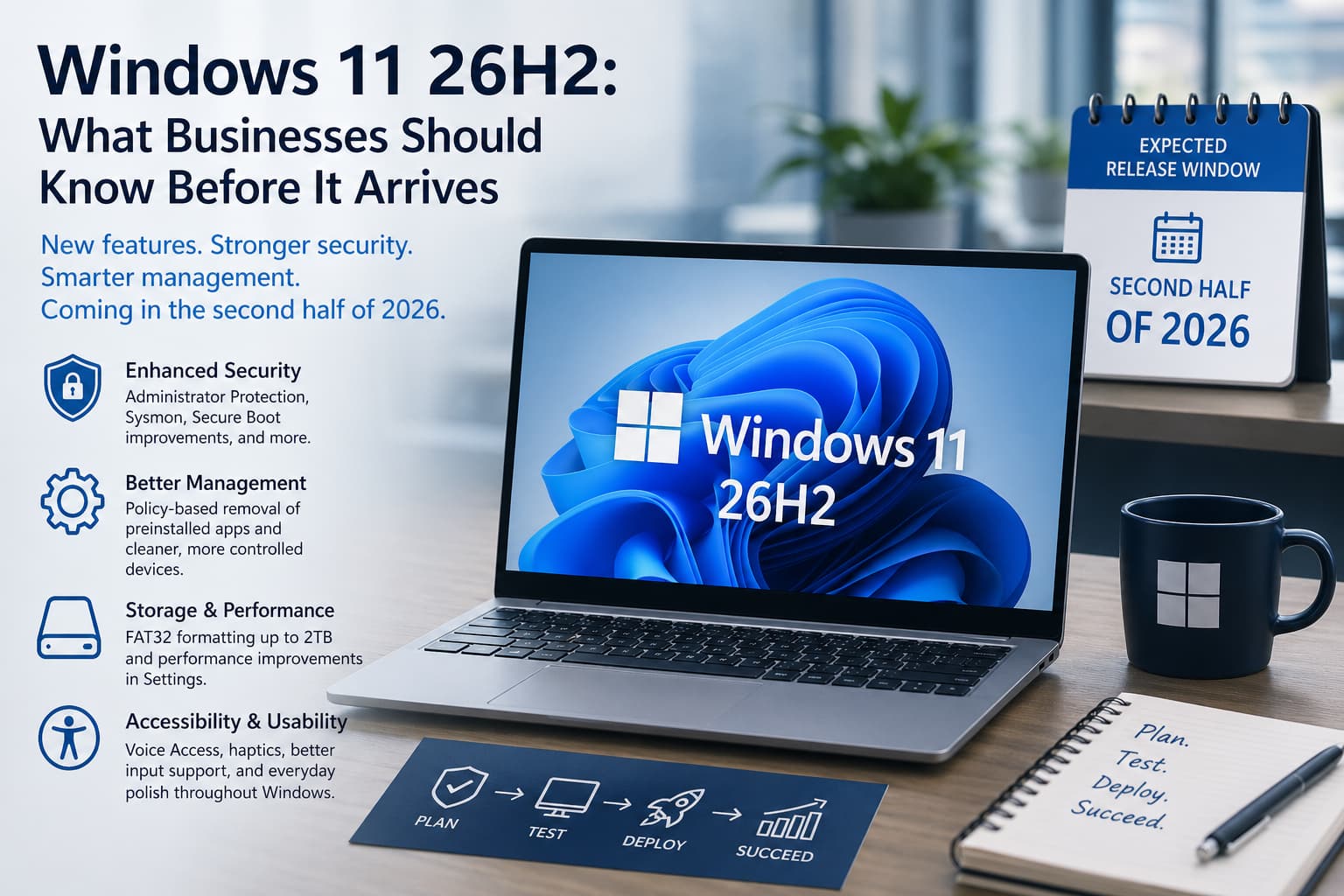
Windows 11 26H2 is not publicly released yet, but Microsoft is already laying the groundwork through Windows Insider testing. For businesses, this is the stage where planning should begin. It is too early for most companies to schedule a full deployment, but it is not too early to review hardware, applications, security tools, and upgrade policies.
As of late April 2026, Microsoft has not announced a final release date for Windows 11 26H2. Microsoft’s release information still says Windows 11 uses an annual feature update cadence, with feature updates released in the second half of the calendar year. That points to a likely second half of 2026 rollout, but businesses should expect Microsoft to use a gradual release instead of making the update available to every eligible PC on the same day.
One important distinction is Windows 11 version 26H1. Microsoft lists 26H1 as a General Availability Channel release for select new devices, but also says it is not designed as an in-place feature update for existing Windows 11 24H2 or 25H2 devices. In practical terms, most current business PCs should be watching 26H2, not 26H1.
Microsoft has also been reorganizing the Windows Insider Program. The former Dev Channel is moving toward a new Experimental channel, while the Beta Channel is being refreshed to better represent features closer to release. That matters because some features discussed around 26H2 may still be experimental. Insider builds are a preview of Microsoft’s direction, not a guarantee that every tested feature will ship unchanged.
So what appears to be coming? Based on current Insider builds, Windows 11 26H2 is shaping up less like a dramatic redesign and more like a practical business-focused update. The most useful changes seem to be in security, device management, reliability, accessibility, and everyday polish.
Security is one of the biggest areas to watch. Microsoft has tested Administrator Protection improvements, built-in Sysmon functionality, Windows Protected Print Mode indicators, Secure Boot status improvements, and updated driver trust policies. For business environments, those are meaningful changes. They could help IT teams detect threats, reduce risky administrative activity, and better manage drivers and printers across company devices.
Management improvements are also important. Microsoft has been testing policy-based removal of preinstalled Microsoft Store apps for Enterprise and Education editions. That may sound minor, but it can help businesses keep new PCs cleaner, reduce unnecessary apps, and standardize what employees see when they sign in. In managed environments, fewer unwanted apps often means fewer support tickets and less confusion.
Storage and performance changes are also under test. One notable update raises the command-line FAT32 formatting limit from 32GB to 2TB. This will not matter to every user, but it can help technicians and administrators who work with removable media, imaging tools, or cross-platform storage. Microsoft is also testing better performance when navigating storage details in Settings, which is useful for machines with large drives or complex disk layouts.
For everyday users, File Explorer, Settings, input, and sign-in improvements may be the most noticeable. Recent Insider builds include File Explorer reliability updates, cleaner search box icon placement, better navigation for Voice Access users, faster clipboard history, improved Windows Hello fingerprint reliability after waking from sleep, and clearer privacy and location settings. These are small changes individually, but across an entire office they can reduce friction.
Accessibility and modern input features are also continuing to improve. Microsoft has tested haptic feedback for compatible input devices, Voice Access improvements, Braille-related fixes, and font rendering updates for several scripts. These updates are not just nice extras. They help businesses support a wider range of employees, devices, and workflows.
Before any company deploys Windows 11 26H2 broadly, compatibility should be the focus. Test line-of-business applications, accounting software, VPN clients, endpoint security tools, printers, scanners, shared drives, remote access tools, and any industry-specific hardware. A Windows update can be stable overall and still cause problems if one critical driver or application is not ready.
The safest approach is a phased rollout. Start with a small pilot group, include users from different departments, confirm backups and recovery options, review update rings, and document a rollback plan. Then expand gradually once critical workflows have been tested.
Windows 11 26H2 appears to be a practical update, not a disruptive operating system replacement. Still, business upgrades should never be treated casually. If your company is concerned about Windows 11 upgrades, hardware compatibility, application support, downtime, or how 26H2 could affect daily operations, Illini Tech Services can help you prepare a safe upgrade plan.
Contact us at [email protected] or call 217-854-6260.