
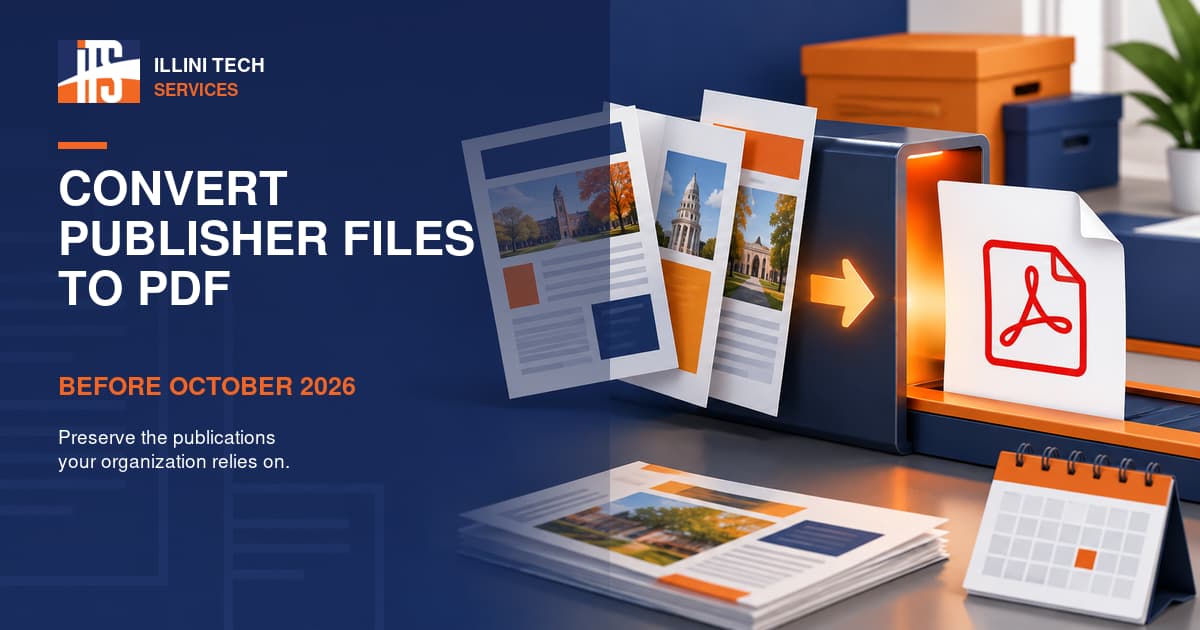
Microsoft Publisher is approaching retirement. If your business, church, school, nonprofit, or household has years of newsletters, brochures, directories, flyers, or event programs stored as Publisher files, now is the time to protect them.
Microsoft says Publisher will remain available to Microsoft 365 subscribers through October 1, 2026. After that date, subscribers will no longer be able to access Publisher. Support for the perpetual version of Publisher 2021 ends on October 13, 2026.
Your .pub files will not disappear, but opening or editing them could become difficult once Publisher is no longer readily available. Converting those files to PDF or another widely supported format can help preserve access to important documents.
What Is Happening to Microsoft Publisher?
In October 2026, Publisher will reach the end of its product life. It will no longer be included with Microsoft 365, and Microsoft will stop supporting existing on-premises versions.
Microsoft recommends converting existing Publisher documents before October 1, 2026. Its suggested replacements include Word and PowerPoint, depending on the type of publication being created. You can read the complete announcement on the Microsoft Publisher retirement support page.
Businesses should search computers, file servers, OneDrive, SharePoint, external drives, and archives for files ending in .pub. Do not assume that only recent documents matter. Older Publisher files may contain reusable logos, advertisements, forms, newsletters, or layouts that your organization will need again.
Why Convert Publisher Files to PDF?
PDF is usually the best format when you need to preserve, view, print, or share a finished Publisher document. It is supported by modern web browsers, computers, mobile devices, and most commercial printing services.
Converting Publisher files to PDF offers several benefits:
- The document’s visual layout is generally preserved.
- Recipients do not need Publisher to view it.
- PDFs are easy to store, email, print, and archive.
- The format is supported across Windows, macOS, and mobile devices.
- Files are less likely to be accidentally changed.
A PDF is primarily a finished-document format. It is a good choice for preserving completed publications, but it is not a perfect replacement for the original editable Publisher file. Keep a backup of each .pub file even after creating the PDF.
Convert Individual Files Using Publisher
If you have only a few documents, you can convert them directly while Publisher is still available:
- Open the publication in Microsoft Publisher.
- Select File, followed by Save As or Export.
- Choose PDF as the file type.
- Select the destination folder and save the file.
- Open the new PDF and inspect every page.
Microsoft also provides instructions for exporting Publisher documents as PDF or XPS.
Always check converted files for missing fonts, shifted text, incorrect page sizes, or low-resolution images, especially when documents will be professionally printed.
Use Illini Tech Services’ Publisher-to-PDF Tool
Opening and exporting files individually can take a long time when you have an extensive Publisher archive. To make the process easier, Illini Tech Services created a Windows conversion program in Rust.
To use the tool:
- Download the Pub2PDF ZIP file.
- Locate the downloaded
pub2pdf.zipfile. - Extract the EXE file from the ZIP archive before using it.
- Find the Publisher files you want to convert.
- Drag and drop the Publisher files onto the extracted EXE.
- The program will convert them to PDF and save each new PDF in the same location as its original Publisher file.
- Open several resulting PDFs and confirm that their pages look correct.
For easier organization, consider making a backup before beginning and processing files in clearly labeled folders. Do not delete your original Publisher documents after conversion.
What If You Still Need to Edit the Documents?
PDF is ideal for viewing and printing, but Word or PowerPoint may be better for publications that require regular updates. Microsoft recommends Word for items such as newsletters, labels, letterhead, and forms. PowerPoint may work well for signs, posters, banners, and graphic-heavy layouts.
Complex Publisher designs may not transfer perfectly into an editable format. Prioritize important documents and plan to rebuild frequently used templates when necessary.
Start converting your Publisher files well before October 2026. If your organization needs help locating files, creating backups, converting documents, or planning a replacement for Publisher, contact Illini Tech Services at 217-854-6260 or [email protected]. We help businesses and organizations throughout central Illinois prepare for technology changes without losing access to important information.