
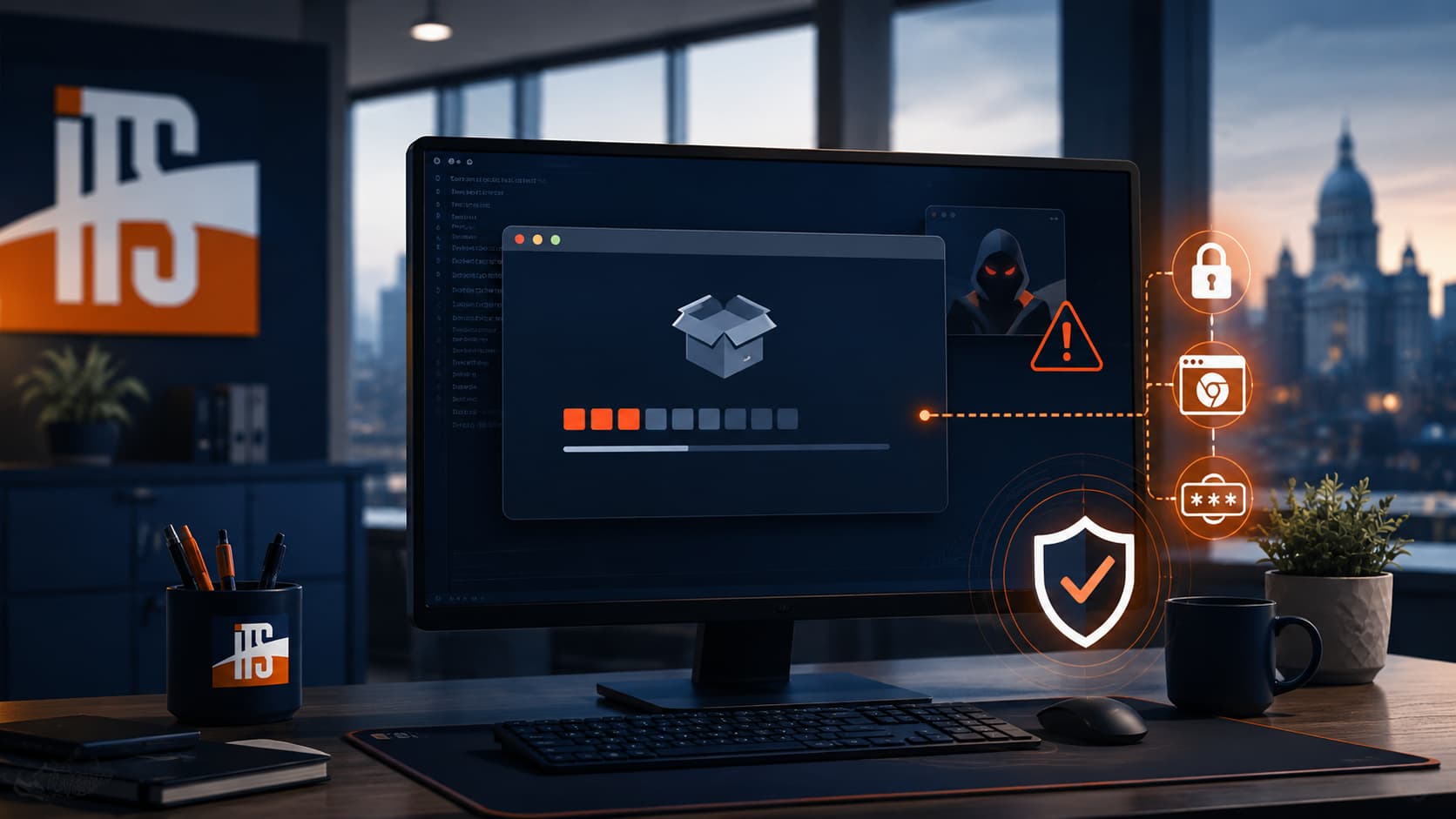
A fake Claude Code installer is being used to target developers, IT professionals, and other technical users with credential-stealing malware. The attack is especially convincing because the installer appears to work: it installs the real Claude Code application while secretly launching a hidden process in the background.
That is what makes this threat so dangerous. Nothing looks broken. The user sees a successful installation, but behind the scenes, the malicious installer may be attempting to download an infostealer designed to collect saved passwords, browser sessions, tokens, and other sensitive data.
Illini Tech Services identified this activity through a managed security detection on June 9, 2026. Endpoint protections stopped the threat before data was observed leaving the system, but the campaign is important enough for businesses, developers, and IT teams to understand.
The Legitimate Claude Code Install Command
For Windows users, the legitimate Claude Code install command is served from Anthropic’s official domain:
irm https://claude.ai/install.ps1 | iex
The key detail is the domain: claude.ai.
If an install command points to a look-alike domain such as setup-code.com, code-setup.com, or another unofficial site, it should be treated as suspicious. Attackers often choose domains that look believable at a glance because they know many users focus on whether the command “looks right” instead of verifying where it comes from.
Before pasting any install command into PowerShell, Terminal, or Command Prompt, slow down and confirm the source.
Why This Attack Is So Convincing
Many malware campaigns rely on obvious tricks: fake CAPTCHA prompts, strange downloads, broken installers, or suspicious pop-ups. This campaign is more subtle.
The fake installer reportedly includes a real copy of the Claude Code installation process. That means the legitimate software can still install successfully. The user receives the expected result, which lowers suspicion.
At the same time, the modified installer launches a hidden PowerShell process. That hidden stage can reach attacker-controlled infrastructure and attempt to download additional malware, including infostealer components.
In plain English: the app works because the attacker wants it to work. The successful install is part of the disguise.
What Infostealers Try to Collect
Infostealer malware is built to gather valuable information quickly. For developers and IT professionals, that can be especially serious because one workstation may contain access to business systems, cloud platforms, code repositories, remote management tools, customer environments, and administrative accounts.
Depending on the payload and system access, an infostealer may attempt to collect:
- Saved browser passwords
- Active browser session cookies
- Windows Credential Manager entries
- Application tokens and sessions
- Developer credentials and API keys
- Screenshots or system details
- Cryptocurrency wallet data
- Authentication tokens that may survive a password change
Session cookies are particularly concerning. In some cases, they can allow an attacker to access an account without knowing the password. That is why simply changing a password may not be enough after a suspected infostealer infection.
How Developers and Businesses Can Reduce Risk
The best defense is to treat install commands like sensitive code, because that is exactly what they are. A one-line command can download and execute software immediately.
To reduce risk:
- Install developer tools only from the vendor’s official website.
- Bookmark official documentation instead of relying on search results.
- Verify the domain before running any command.
- Be cautious with commands copied from forums, social media, AI assistants, or unofficial guides.
- Use endpoint protection that monitors suspicious PowerShell behavior.
- Limit saved credentials in browsers where possible.
- Require multifactor authentication for business-critical accounts.
- Regularly review active sessions and connected devices.
For businesses, this is also a good reminder that developers and IT staff need strong security controls. Technical users often have more access than a standard employee, which makes their workstations higher-value targets.
What To Do If You Ran a Suspicious Installer
If you believe you ran a fake Claude Code installer or any suspicious developer-tool installer, take action quickly.
Disconnect the device from the network and contact your security team or IT provider. Do not rotate passwords from the potentially infected machine. Use a separate, known-clean device to change passwords, revoke active sessions, rotate tokens, and review account activity.
For serious infostealer infections, reimaging the device is often safer than trying to clean it manually. Businesses should also review DNS, firewall, endpoint, and identity logs to determine whether other systems interacted with the same suspicious domains or infrastructure.
Need Help Reviewing Your Risk?
Attacks like this show why cybersecurity is not only about blocking obviously malicious files. Modern threats often hide inside normal-looking workflows, including developer tools and trusted install patterns.
Illini Tech Services helps businesses and organizations in central Illinois improve endpoint protection, monitor threats, secure accounts, and respond to suspicious activity. If you need help reviewing your security posture or investigating a possible compromise, contact Illini Tech Services at 217-854-6260 or [email protected].