
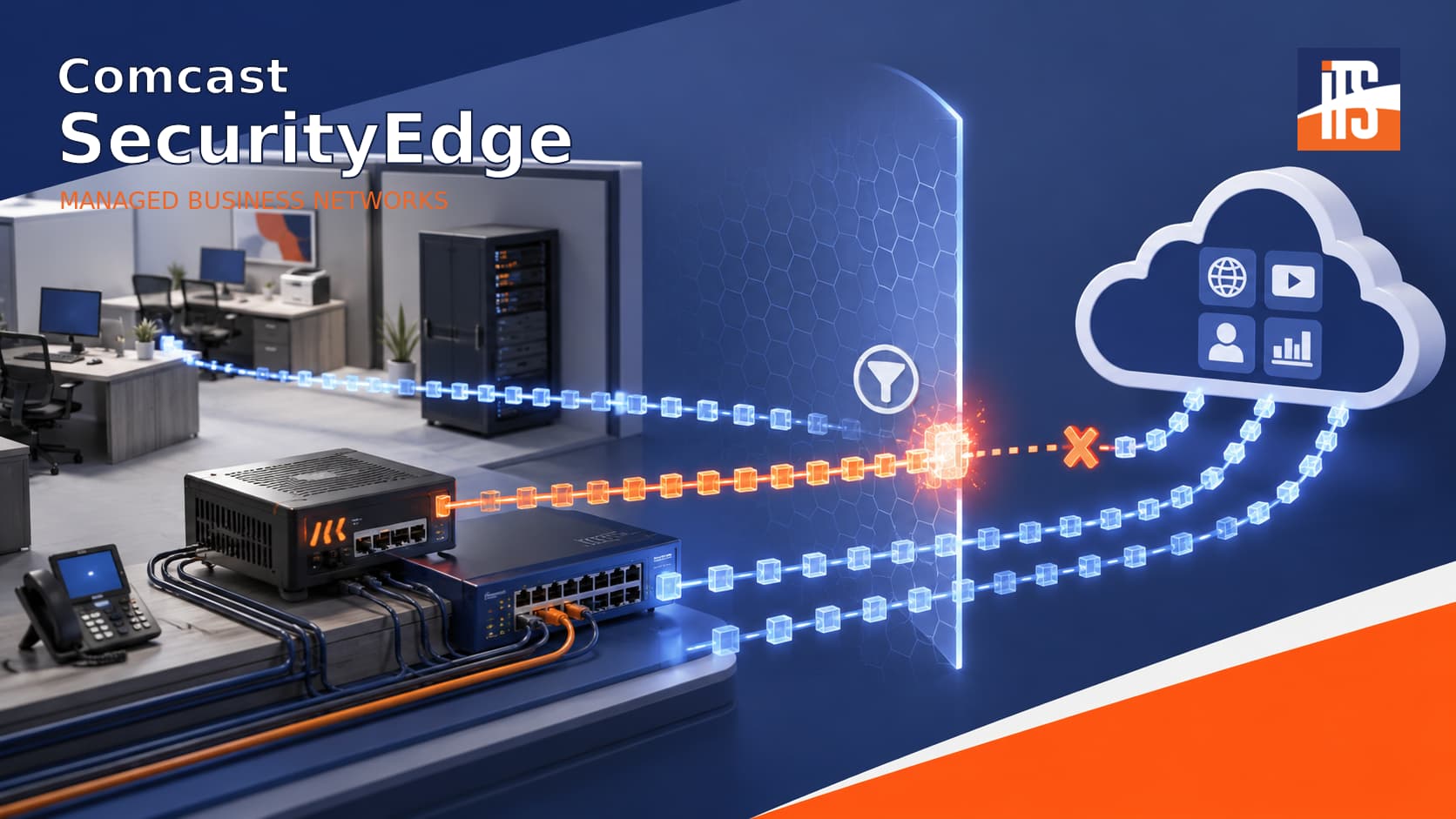
A business application suddenly stops communicating with its server. The software vendor blames the firewall, but the firewall rules look correct. Windows Firewall is not blocking the traffic, and basic connectivity tests provide few answers.
Then someone calls Comcast. Comcast SecurityEdge is disabled, and the connection immediately starts working.
We have encountered this situation more than once. SecurityEdge has a reasonable purpose, but on professionally managed business networks, it can introduce an additional filtering layer that complicates DNS, application connectivity, and troubleshooting.
What Is Comcast SecurityEdge?
Standard Comcast SecurityEdge is a cloud-based security service focused primarily on DNS-based threat blocking and web filtering. It attempts to prevent users from visiting domains identified as malicious and can restrict selected website categories.
It should not be confused with SecurityEdge Preferred. According to Comcast’s SecurityEdge product information, the Preferred version adds next-generation firewall capabilities such as IP filtering, intrusion detection, application control, geolocation filtering, and inbound and outbound traffic inspection.
Comcast’s service terms clarify that standard SecurityEdge is not antivirus or firewall software and does not protect a network from inbound attacks. It may provide useful baseline protection for a small office without a managed firewall, DNS security, or dedicated IT support.
However, Comcast currently advertises foundational SecurityEdge protection as included with its business Internet plans. That makes it important for network administrators to know whether the service is active.
Why DNS Creates Problems
DNS translates domain names into the IP addresses computers use to communicate. A managed business network may rely on a Windows domain controller, internal DNS server, managed firewall, security platform, public resolver, or split-DNS configuration for VPN and internal resources.
SecurityEdge places Comcast into that process. DNS requests intended for another resolver may not behave as the network administrator expects.
This is more than a theoretical concern. Comcast’s official SecurityEdge service terms state that third-party applications and services using TCP or UDP port 53 may be incompatible with SecurityEdge and may not function properly. The terms also require customers to contact Comcast Support for advanced requests such as disabling the service or unlocking access to public DNS servers.
That can create an opaque policy layer outside the firewall and DNS systems managed by the business’s IT provider.
Why We Usually Disable It
Many managed networks already have a commercial firewall, DNS filtering, endpoint detection and response, email security, multifactor authentication, centralized logging, and active monitoring.
Adding another filtering service does not automatically improve security. It may duplicate existing controls, create conflicting policies, or block legitimate traffic without providing the local administrator with useful logs.
When a managed firewall blocks a connection, technicians can typically identify the responsible rule and create a specific exception. When an ISP-level service interferes, the local firewall may show no rejection at all. That sends troubleshooting in the wrong direction and increases downtime.
In our field experience, SecurityEdge has also sometimes appeared again after gateway replacements, account changes, or equipment reprovisioning. Comcast does not document this as expected behavior, so it should not be assumed to happen after every change. Still, checking SecurityEdge is worthwhile whenever unexplained DNS or application problems follow Comcast equipment or account updates.
A Real-World Connectivity Problem
We recently investigated a time-sensitive communications application that could no longer reach its vendor’s server. The vendor suspected that FTP ports 20 and 21 were blocked.
We reviewed the workstation, network profile, Windows Firewall, managed firewall, and application settings. We also tested the connection independently using FileZilla. Nothing under our management adequately explained the failure.
Comcast ultimately confirmed that SecurityEdge was active. Once it was disabled, the FTP test succeeded. The problem was not a missing firewall rule; it was an additional security layer outside the managed network.
Should Every Business Disable SecurityEdge?
Not necessarily. Standard SecurityEdge may be useful for a small office that uses only the Comcast gateway and has no managed firewall, internal servers, specialized applications, or IT provider.
For organizations with managed firewalls, internal DNS, VPNs, VoIP, payment systems, servers, or specialized cloud applications, SecurityEdge should be an intentional design decision rather than an unnoticed default.
Disabling it should not mean removing layered security. The goal is to use controls that administrators can configure, monitor, test, and document.
How to Disable Comcast SecurityEdge
Contact Comcast Business Support and ask whether standard SecurityEdge or SecurityEdge Preferred is active. Request that the service be completely disabled at the service-location level and that access to public and non-Comcast DNS resolvers be unlocked.
Obtain a support ticket number, follow any gateway reboot instructions, and then retest DNS and the affected application. Check the service again after future gateway replacements or unexplained connectivity changes.
Illini Tech Services helps businesses across central Illinois troubleshoot networks, manage security controls, and resolve difficult connectivity problems. Call 217-854-6260 or email [email protected] for assistance.