
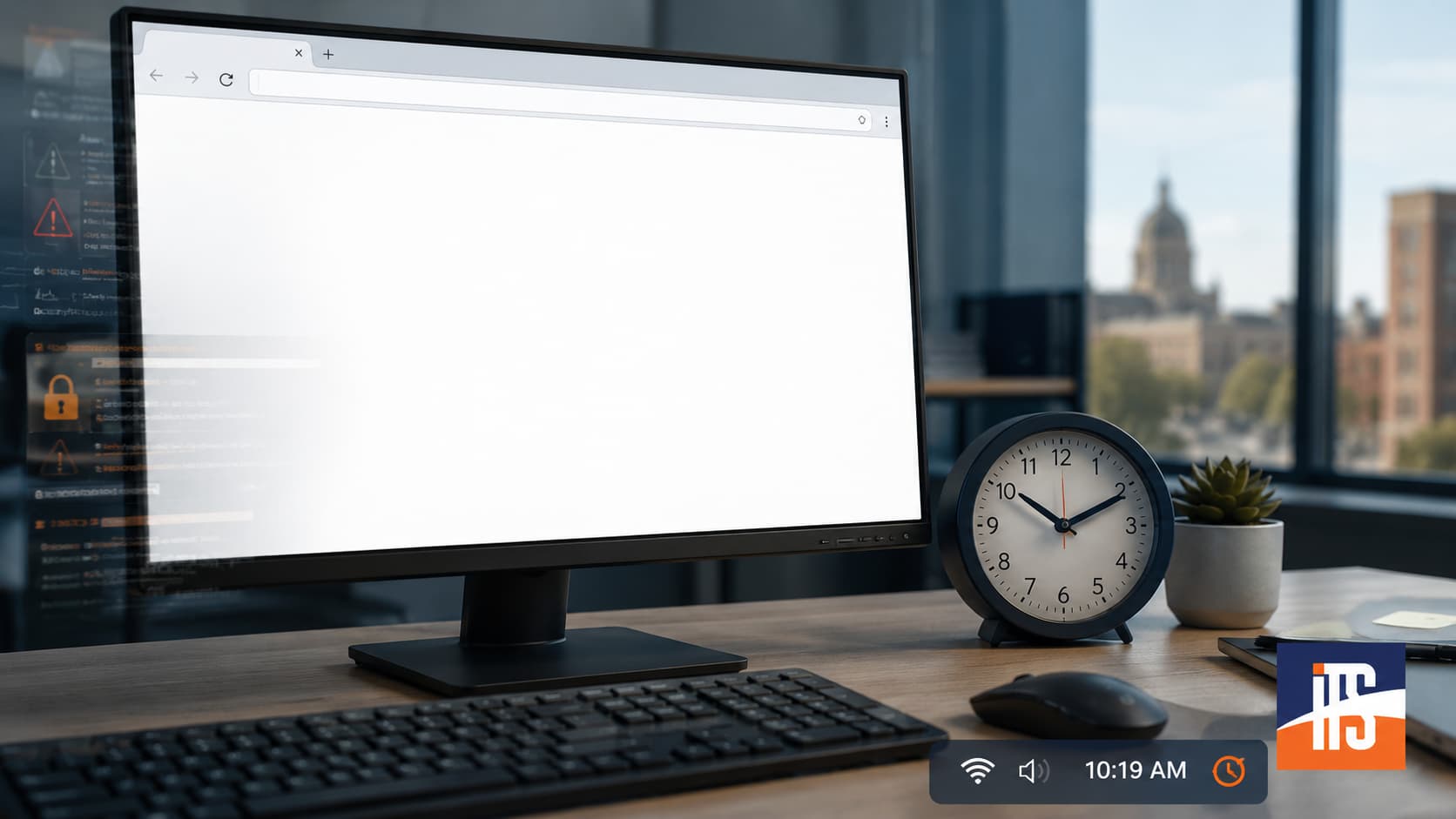
A blank white page is one of the least helpful errors a business application can display. There is no explanation, no error code, and often no obvious next step.
In one recent support case, a user could access a Nationwide business application from a phone but not from an office computer. On the computer, the authentication page became completely blank. Because the application worked over the mobile connection but failed on the managed business network, the firewall initially seemed like a reasonable suspect.
The actual cause was much less obvious: the workstation’s clock was wrong.
Starting With the Most Likely Causes
Troubleshooting should begin with the simplest explanations before moving toward more disruptive changes. The technicians first checked whether the problem was tied to a specific browser or corrupted browser data.
They tested multiple browsers, cleared stored data and settings, and tried private or incognito sessions. They also flushed the computer’s DNS cache in case an outdated or incorrect address was interfering with the connection.
None of these steps changed the result. The user could still begin the login process, but the authentication page eventually turned white.
This made a basic browser problem or temporary DNS issue less likely.
Was the Office Firewall Blocking the Application?
Since the application worked from a phone, Nationwide support suspected the customer’s firewall. That theory was credible, but the difference between two devices does not prove that the network is responsible. The devices may also have different clocks, browser configurations, security software, certificates, or operating system settings.
The technicians reviewed the UniFi firewall and network configuration and found no obvious blocked traffic. Endpoint protection was also disabled temporarily to determine whether web filtering or another security feature was interfering with the page.
The problem continued even with endpoint protection out of the equation. The server’s Windows network classification was corrected from Public as part of the broader investigation, but that change also did not restore access.
At this point, continuing to change firewall rules without evidence would have introduced unnecessary risk.
The Browser Console Revealed the Real Clue
A blank page does not mean that nothing happened. The browser may have downloaded the page and then rejected a script, authentication response, or other required content.
Browser developer tools provide visibility into those hidden failures. When the technicians inspected the affected page, the console showed a content-security-related error. More importantly, it indicated that the computer’s system time was incorrect.
That clue shifted the investigation away from network blocking and toward time synchronization.
The server’s time was corrected, but the change did not propagate reliably to the affected workstation through the expected domain configuration. A time-synchronization utility was then configured directly on the computer. Once the workstation’s clock was corrected, the Nationwide application loaded successfully.
The blank web page clock skew connection was confirmed: inaccurate time on the workstation was the immediate cause of the failure.
Why Accurate Time Matters to Secure Websites
Modern authentication systems depend on time-based security checks. Digital certificates have defined validity periods. Authentication tokens may expire after only a few minutes. Signed requests, session cookies, and security policies can also contain timestamps.
If a computer’s clock is too far ahead or behind, otherwise valid content may appear expired or not yet valid. The browser or application may then reject part of the authentication process.
Ideally, the application would display a useful message explaining that the local clock is incorrect. In practice, a failed script or rejected authentication response may leave the user staring at a blank page.
This is why system time should be checked early when diagnosing authentication failures, certificate warnings, content-security errors, or applications that work on one device but not another.
Fix the Immediate Problem and the Time Hierarchy
Correcting the workstation clock restored access, but it did not fully resolve the underlying management concern. A computer joined to a Windows domain should normally receive accurate time through the domain’s time hierarchy. If that process fails, Group Policy, Windows Time service settings, domain controller configuration, or network connectivity may require further investigation.
The larger lesson is simple: successful mobile access does not automatically prove that the office firewall is blocking a site. Likewise, a browser security error does not always mean antivirus or other security software is responsible.
When a business application fails without a useful message, Illini Tech Services can help trace the problem from the visible symptom to its actual cause. For IT support in central Illinois, call 217-854-6260 or email [email protected].