
Finding good computer deals can save you hundreds of dollars, but the cheapest computer is not always the best value. A low price only helps if the machine can keep up with your work, school, home office, or business needs for the next several years.
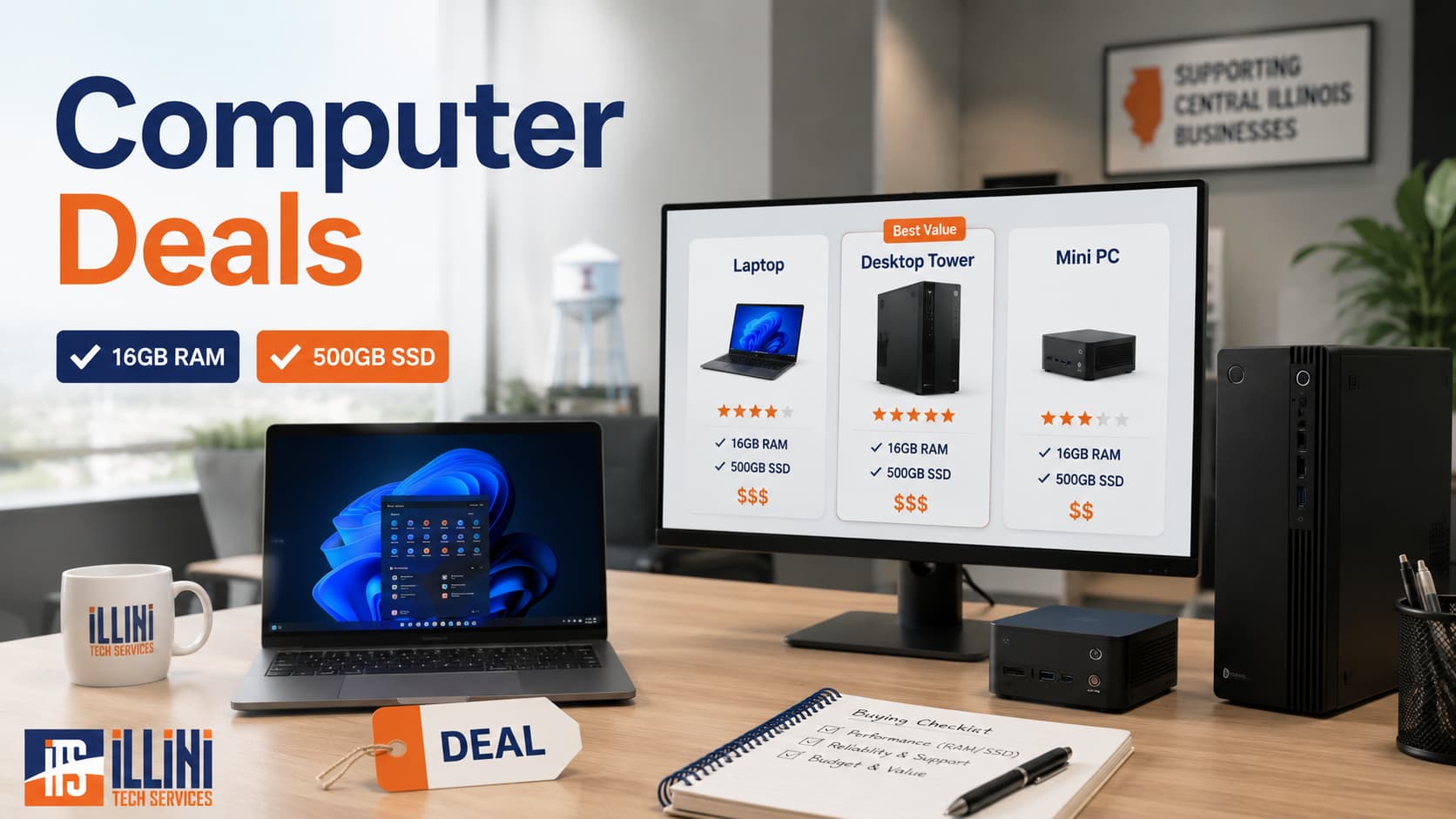
For many buyers, the sweet spot is a computer with at least a 500GB SSD and at least 16GB of RAM. Those two specs make a big difference in everyday performance. The SSD helps the computer start quickly and open files faster, while 16GB of RAM gives Windows, browsers, Microsoft Office, QuickBooks, video calls, and security software enough breathing room.
If you are shopping for a laptop or desktop, three useful places to check are Slickdeals computer deals, Woot computers, and Dell Refurbished. Each site works a little differently, so it helps to know what to look for before clicking “buy.”
Start With the Specs That Matter Most
Before comparing prices, decide on your minimum requirements. For most homes and small businesses, we recommend:
- 500GB SSD or larger
- 16GB RAM or more
- A modern Intel Core i5/i7, AMD Ryzen 5/7
- Windows 11 compatibility if buying a Windows PC
- A warranty or reasonable return policy
- Enough ports for your monitor, printer, dock, or external drives
Try to avoid computers with only 4GB or 8GB of RAM unless they are for very light use. Also be cautious with 128GB or 256GB storage. After Windows updates, applications, photos, and documents, small drives fill up quickly.
Using Slickdeals for Computer Deals
Slickdeals is a deal-sharing community where users post discounts from many retailers. Its computer section includes laptops, desktops, monitors, parts, networking equipment, storage, and accessories.
The biggest advantage of Slickdeals is the community feedback. Before buying, read the comments. Other shoppers often point out whether a deal is truly good, whether a model has known issues, or whether a better sale happened recently. Look for highly rated or “frontpage” deals, but still check the specs yourself.
Slickdeals is especially useful when you are flexible. If you do not need a computer today, you can watch prices for a few weeks and learn what a fair deal looks like. You may also find discounts from stores like Best Buy, Amazon, Newegg, Micro Center, Walmart, and manufacturer websites.
Using Woot for Limited-Time Computer Deals
Woot often features limited-time deals on computers, monitors, accessories, networking gear, and refurbished or open-box items. Inventory can change quickly, so it is a good site to check when you are ready to buy.
The key with Woot is to slow down and read the listing carefully. Confirm whether the item is new, refurbished, used, or open box. Check the warranty terms, return window, condition notes, and exact specifications. Some Woot computer deals are excellent, but others may be older models that are only worthwhile for basic use.
If you are an Amazon Prime member, also check whether shipping benefits apply, since that can affect the final price.
Using Dell Refurbished for Business-Class PCs
Dell Refurbished can be a strong option for buyers who want business-class Dell Latitude, OptiPlex, or Precision systems at a lower price than new equipment. Refurbished business computers can be a good fit for offices, nonprofits, students, and home users who want reliable hardware without paying full retail pricing.
When shopping Dell Refurbished, pay close attention to the model, processor generation, RAM, storage size, cosmetic grade, warranty, and operating system. Business-class desktops and laptops are often easier to service than many consumer models, which can be helpful if the device needs future upgrades or repairs.
For small businesses, refurbished desktops can also make sense for front desks, point-of-sale stations, warehouse workstations, or basic office roles, as long as the hardware meets your software requirements.
Compare the Total Value, Not Just the Price
A $299 computer may look tempting, but it may not be a good deal if it has too little memory, a tiny drive, an old processor, or no useful warranty. On the other hand, a $499 or $599 system with 16GB of RAM, a 500GB or 1TB SSD, and a modern processor may last longer and feel much faster every day.
Before purchasing, ask:
- Will this computer run the software I need?
- Does it have at least 16GB of RAM?
- Does it have at least a 500GB SSD?
- Is the warranty clear?
- Can it be returned if there is a problem?
- Is the seller reputable?
- Are there hidden costs, such as adapters, docks, or upgrades?
Need Help Choosing the Right Computer?
Finding computer deals is easier when you know what specs matter and which sites are worth checking. Slickdeals, Woot, and Dell Refurbished can all be useful, but the best deal is the computer that fits your needs, performs well, and lasts.
If you are not sure which laptop or desktop is right for your home, office, or organization, Illini Tech Services can help. We serve central Illinois and can assist with computer selection, setup, upgrades, networking, backups, and ongoing IT support. Contact us at 217-854-6260 or [email protected].