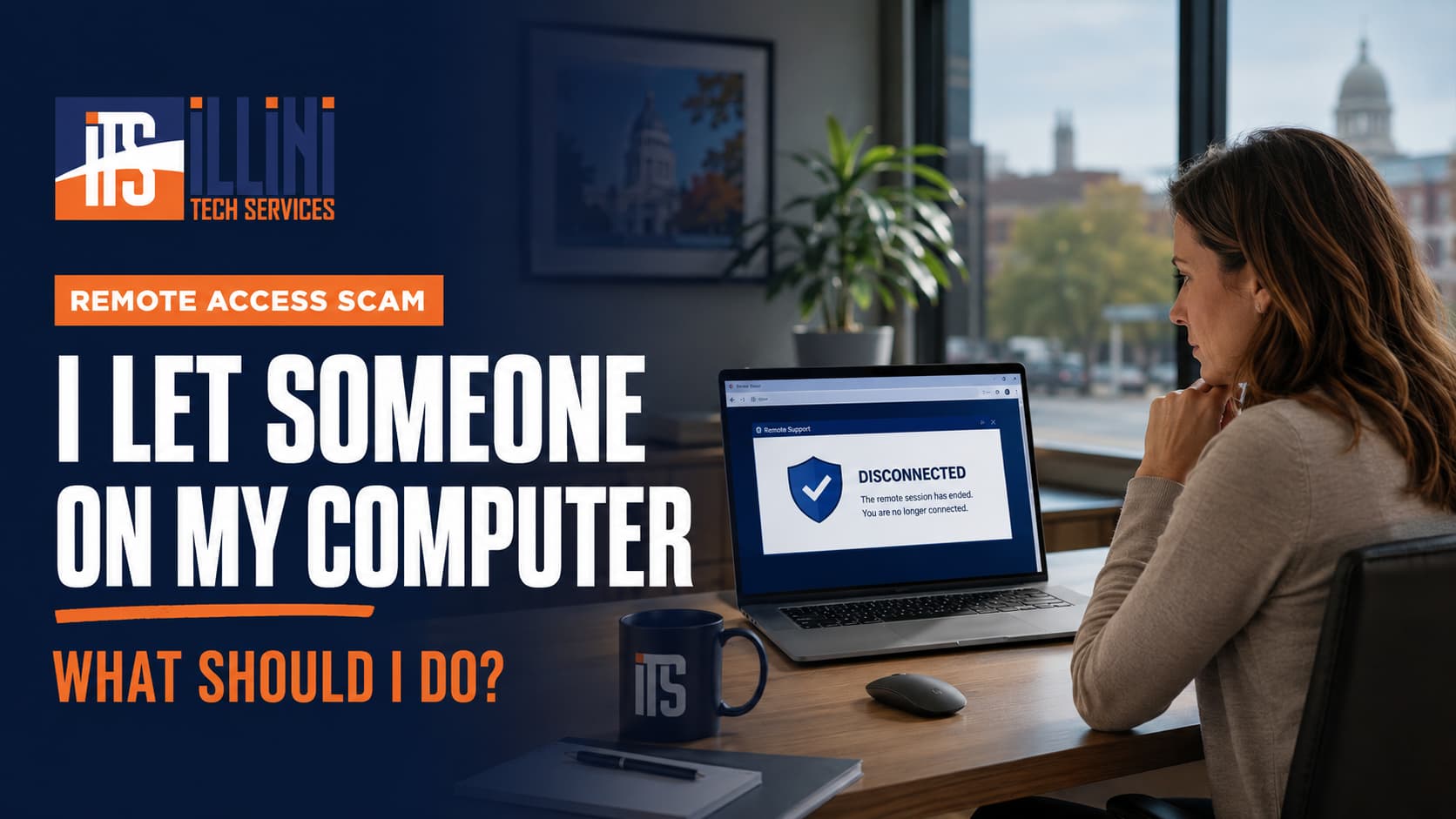
Maybe someone called claiming to be from Microsoft, Apple, your bank, or an antivirus company. Perhaps a warning appeared on your screen and told you to call a support number. After following their instructions, you realized: “I let someone on my computer. What should I do now?”
Whether you let someone who called you on your PC, called a number yourself and gave someone access, or accidentally let a scammer on your computer, take the situation seriously. A remote-access scammer may be able to view your screen, access files, capture passwords, or install software that lets them return later.
Do not panic, but act promptly.
What To Do Immediately After Allowing Remote Access
If the person is still connected, do these things first:
- Disconnect the computer from the internet. Unplug its Ethernet cable or turn off your Wi-Fi router. If that is difficult, shut down the computer by holding its power button.
- Do not contact the caller again. Do not believe claims that disconnecting will damage your computer, lock your accounts, or cause you to lose money.
- Do not sign in to anything else on that PC. Software installed by the scammer could potentially capture what you type.
- Use a different, trusted device to begin securing your accounts.
If you paid the scammer or shared bank, credit card, or investment information, call the financial institution using the number printed on your card or listed on its official website. Explain what happened and ask about protecting the account or reversing transactions.
“Someone Controlled My Computer Without Me”
People describe this situation in many ways:
- “I gave someone remote access to my computer.”
- “A tech-support person accessed my PC.”
- “I called a number and let someone control my laptop.”
- “Someone called me, and I let them on my computer.”
- “I clicked a pop-up and let someone remote into my PC.”
- “I accidentally let a scammer on my PC.”
- “Someone is moving my mouse and controlling my computer.”
If someone controlled your computer without your permission, or continued to have access after the call, treat the PC as fully compromised. They may have installed a legitimate remote-support program configured for unattended access or a malicious remote access tool, sometimes called a RAT. Either could allow them to reconnect without asking.
Simply deleting the program you remember installing may not remove everything they changed.
Wipe and Reload the Computer
The safest response to unauthorized remote control is to completely wipe the computer and perform a clean Windows installation. This removes existing programs, settings, and hidden remote-access software instead of trusting an ordinary malware scan to find every change.
You can create official Windows 11 installation media and reinstall Windows yourself. Be aware that a clean installation deletes applications and files, so important personal data should be handled carefully.
Illini Tech Services can also wipe and reload the PC, then help save or migrate legitimate documents, pictures, and other good data to the freshly installed system. Programs from the compromised installation should not simply be copied back.
Change Passwords From a Clean Device
Using a different trusted phone or computer, change the password for your primary email account first. Email often controls password resets for your other accounts.
Next, secure:
- Banking, credit card, and investment accounts
- Microsoft, Apple, and Google accounts
- Shopping and payment accounts
- Social media and business accounts
Use unique passwords, enable multifactor authentication, review recent activity, and sign out other sessions where that option is available. The FTC also recommends changing any password given to a tech-support scammer, including reused passwords on other websites.
Recognize the Next Scam Before It Starts
Pressure and urgency are major warning signs. Scammers may say, “Do not hang up,” “Your computer is infected,” “Your money is at risk,” or “This must be handled immediately.”
Caller ID can be faked. Pop-ups, emails, voicemail messages, and sponsored search results can also display fraudulent support numbers. Hang up, find the company’s official website yourself, and call the number published there. Legitimate organizations will give you time to verify the situation and will not demand payment through gift cards, cryptocurrency, or a Bitcoin ATM.
For added prevention, consider Seraph Secure, anti-scam software created by security YouTuber Kitboga and his team. Its free plan can identify existing remote-access threats and block new remote connections. Seraph Secure is not a replacement for antivirus software or a clean reinstall after a confirmed compromise.
If you let a stranger access your computer, Illini Tech Services can help you respond safely. Call 217-854-6260 or email [email protected] for assistance in Carlinville and throughout central Illinois.