
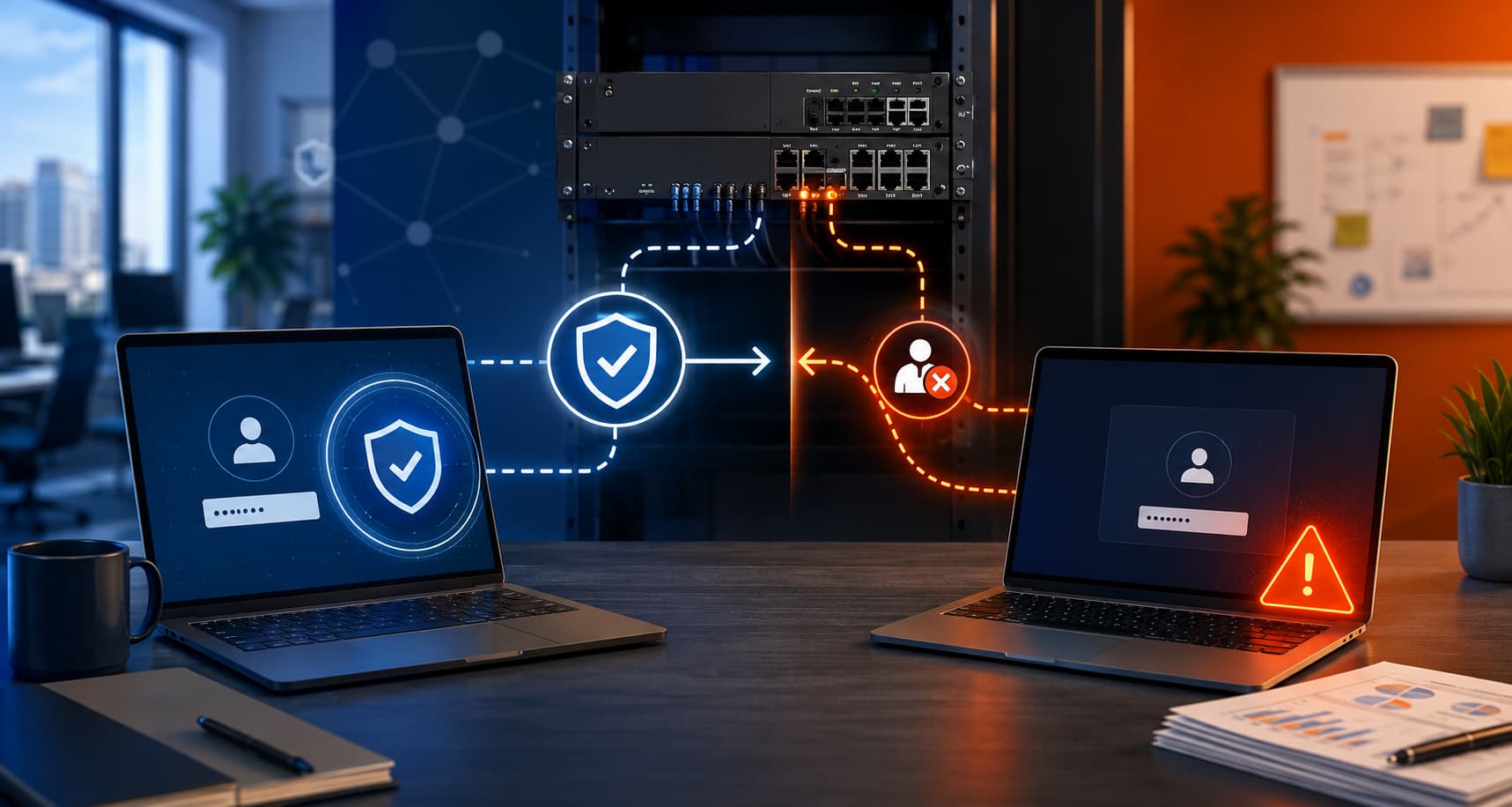
A newly highlighted SonicWall MFA bypass issue is a good reminder that patching alone does not always mean a system is truly fixed. Recent reporting and incident research show that some organizations updated their SonicWall Gen6 SSL-VPN appliances but still remained exposed because the full remediation required extra manual configuration changes.
For small businesses and organizations that rely on remote access, this matters for one simple reason: if multi-factor authentication can be bypassed, your VPN may effectively fall back to a single password. That creates a much easier path for attackers to reach internal systems.
What is happening with SonicWall Gen6 VPNs?
The issue centers on CVE-2024-12802, an authentication bypass vulnerability affecting SonicWall SSL-VPN deployments integrated with Microsoft Active Directory. According to reporting on recent intrusions, attackers were able to log in to patched Gen6 appliances because the firmware update did not fully remove the risky LDAP configuration by itself.
In practical terms, some admins installed the update, confirmed the device was on the correct firmware version, and believed the problem was resolved. But the vulnerable LDAP setup was still in place. That meant attackers could continue abusing the weakness even on systems that appeared patched.
This is exactly the kind of security gap that can slip through normal patching workflows. A version check passes, the maintenance task looks complete, and no one realizes the fix also required manual cleanup and reconfiguration.
Why MFA was still bypassed
The problem stems from how the VPN handled two different Active Directory login formats:
- UPN: the email-style username format
- SAM: the older domain-style account name format
The critical issue is that MFA enforcement could be applied separately to those two login methods rather than consistently to the user identity itself. If an attacker had valid credentials and authenticated using the path tied to the weaker configuration, they could get in without the MFA protection the organization expected.
That is why this is so dangerous. Security teams may believe MFA is protecting remote access, while in reality one authentication path is still allowing a bypass.
For Gen6 devices, fixing this reportedly required additional LDAP reconfiguration steps, not just a firmware update. By contrast, newer Gen7 and Gen8 devices reportedly had the remediation built into newer firmware versions.
What attackers did after getting in
Researchers observed intrusions where attackers brute-forced VPN accounts, gained access, and moved quickly inside victim environments. In some cases, they reportedly reached internal servers in less than 30 minutes. That kind of speed is common when attackers are looking for high-value systems, shared admin credentials, backup infrastructure, or ransomware staging opportunities.
The broader lesson is that perimeter access devices are still one of the fastest ways into a network. If an attacker can get through a VPN, they may not need to exploit several internal systems to start causing damage. One successful login can be enough to begin reconnaissance, lateral movement, or attempts to disable protections.
What organizations should do now
If your organization still uses a SonicWall Gen6 SSL-VPN, do not assume that being “fully patched” means you are protected. You should confirm that the full remediation process from SonicWall’s advisory was completed, including the LDAP configuration changes required to remove the bypass condition.
A few practical steps are worth taking right away:
- Verify whether any Gen6 appliances are still in use.
- Confirm the full remediation steps were completed, not just the firmware upgrade.
- Review VPN authentication logs for unusual successful logins.
- Look for signs of scripted or automated authentication activity.
- Investigate logins from unusual hosting providers, VPN services, or unexpected geographies.
- Plan migration away from Gen6 hardware if it is still part of your environment.
That last step matters because Gen6 hardware has reached end-of-life, which means future protection will only get harder. Unsupported perimeter devices create long-term risk even when there is no active incident.
Why this matters for small businesses
Many smaller organizations do a solid job of applying updates, but fewer have time to validate vendor advisories line by line for hidden manual steps. That makes issues like this especially important. A missed checkbox in a security bulletin can leave a business exposed even when the team acted responsibly and installed the patch.
Good security is not only about updating software. It is also about verifying that the update actually changed the risky condition the advisory was meant to fix.
If you need help reviewing SonicWall VPN settings, validating remote access security, or planning a move away from aging firewall hardware, Illini Tech Services serves businesses and organizations across central Illinois. Reach out at 217-854-6260 or [email protected] to get help confirming your environment is properly protected.